
RSS.com Review 2026

A straightforward podcast hosting platform focused on simplicity and ease of use for beginners.
TL;DR
RSS.com keeps it simple and cheap, free plan, paid from $12.99/mo, and it's where I send beginners who don't want a cockpit full of dials. YouTube distribution, AI titles and descriptions, transcription, video-to-podcast conversion. Analytics are basic and uncertified, and there's no SEO or heavy marketing.
Quick Takeaways
What is RSS.com?
RSS.com is what happens when a host decides simplicity is the feature. It's a remote US company founded in 2017, with a free plan and paid plans from $12.99 a month, and the whole experience is designed so you publish without staring at a wall of settings.
The standout is YouTube distribution. RSS.com pushes your podcast to YouTube automatically, something a surprising number of competitors still can't do, and there's video-to-podcast conversion if you're coming from the video side.
For AI, you get auto-generated titles and descriptions and built-in transcription, with clip creation on the higher plans. It also handles multiple shows, private episodes, and multi-user roles, and there's a sponsorship marketplace to connect with advertisers.
The analytics are honest about what they are: download tracking and audience data by platform and country, but not IAB-certified, and no demographics, completion rates, or deeper listening metrics. You also won't find a custom domain, a newsletter, a social manager, or any podcast SEO.
I keep RSS.com on my shortlist for one specific person, the beginner who wants cheap, no-fuss hosting with YouTube built in and a couple of AI helpers, and who isn't ready to think about a growth stack yet.
What are RSS.com's biggest advantages?
Free plan available
Automatic YouTube distribution
AI titles, descriptions, and transcription
Video-to-podcast conversion
Simple, low-cost plans
What are RSS.com's main drawbacks?
Analytics basic and not IAB certified
No custom domain
No newsletter, social manager, or podcast SEO
No customizable player
How does RSS.com handle hosting and publishing?
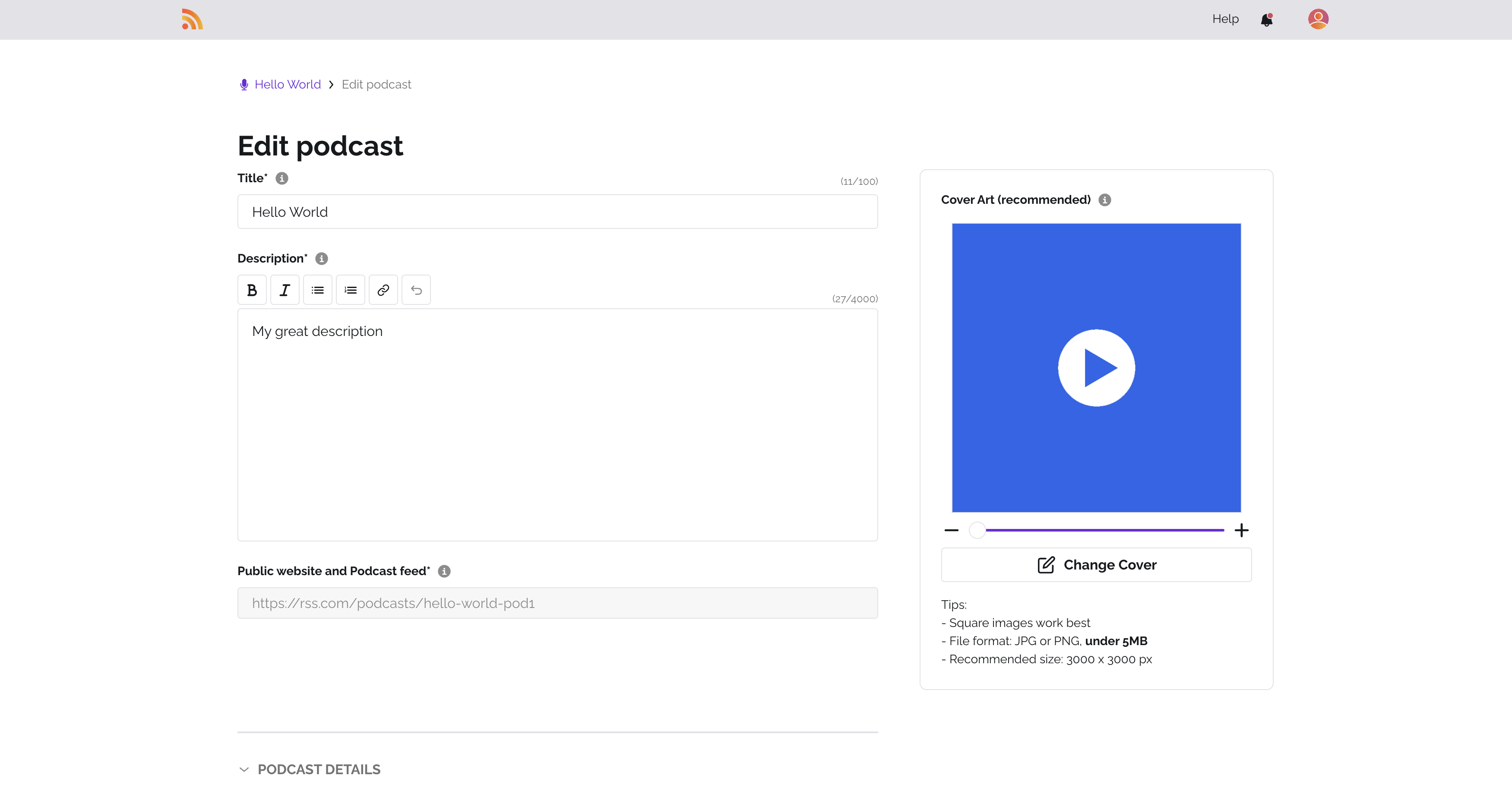
On RSS.com I count 7 of the 9 hosting features I track, most of the list.
RSS.com gives me truly unlimited hosting, no caps on storage, episodes, or bandwidth. I can upload as much as I want, at any length, without watching a meter or worrying about overage charges.
I can schedule episodes ahead of time and have them publish automatically at the date and time I set, which is how I prefer to work.
There's a built-in, SEO-optimized podcast website where listeners can browse and play episodes directly, one less thing I'd have to build elsewhere.
Multi-show management is here too, so I can run several podcasts from one account, which is exactly what I need when I'm a network or juggling more than one show.
Private and unlisted episodes are supported, which I'd use for premium content, internal podcasts, or subscriber-only drops.
Team collaboration is built in with role-based permissions, so I can hand teammates the right level of access, from full admin down to analytics-only.
Where does RSS.com distribute your podcast?
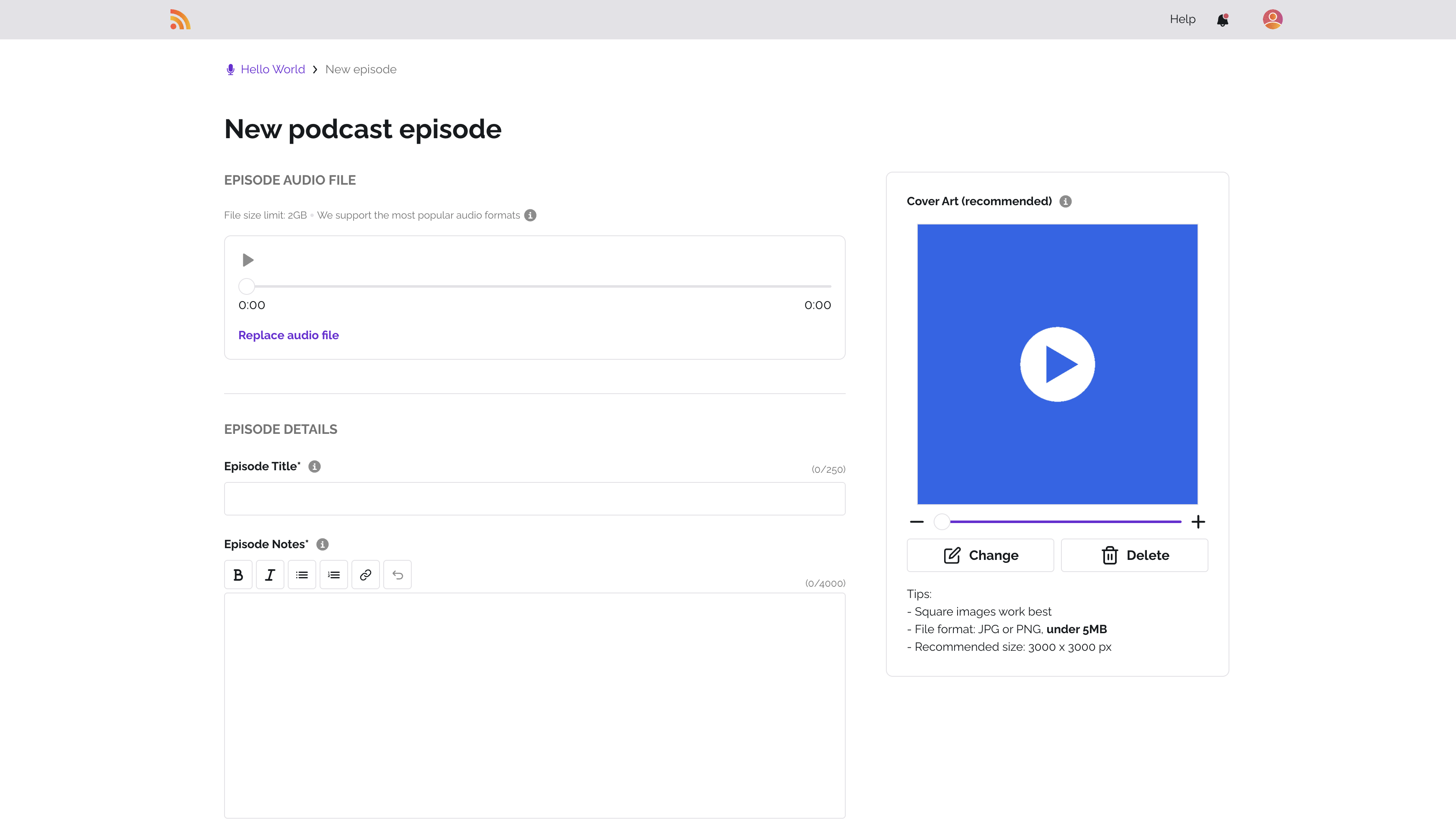
On RSS.com I count 6 of the 9 distribution features I track, most of the list.
RSS.com pushes my podcast out to all the major listening apps, Apple Podcasts, Spotify, Amazon Music, Google Podcasts, and the rest. Once I publish an episode, it shows up across every connected directory on its own.
YouTube distribution is covered, which I care about more every year as video podcasting grows. My episodes can land on YouTube automatically and reach a whole separate audience.
I get a standard RSS feed generated automatically, so I keep full control of distribution and can add any other platform by hand.
Moving in from another host is painless, the one-click import tool brings over my episodes, metadata, and usually my download history.
Audio-to-video conversion is built in, turning my audio episodes into video for the likes of YouTube without extra software.
What marketing and growth tools does RSS.com offer?
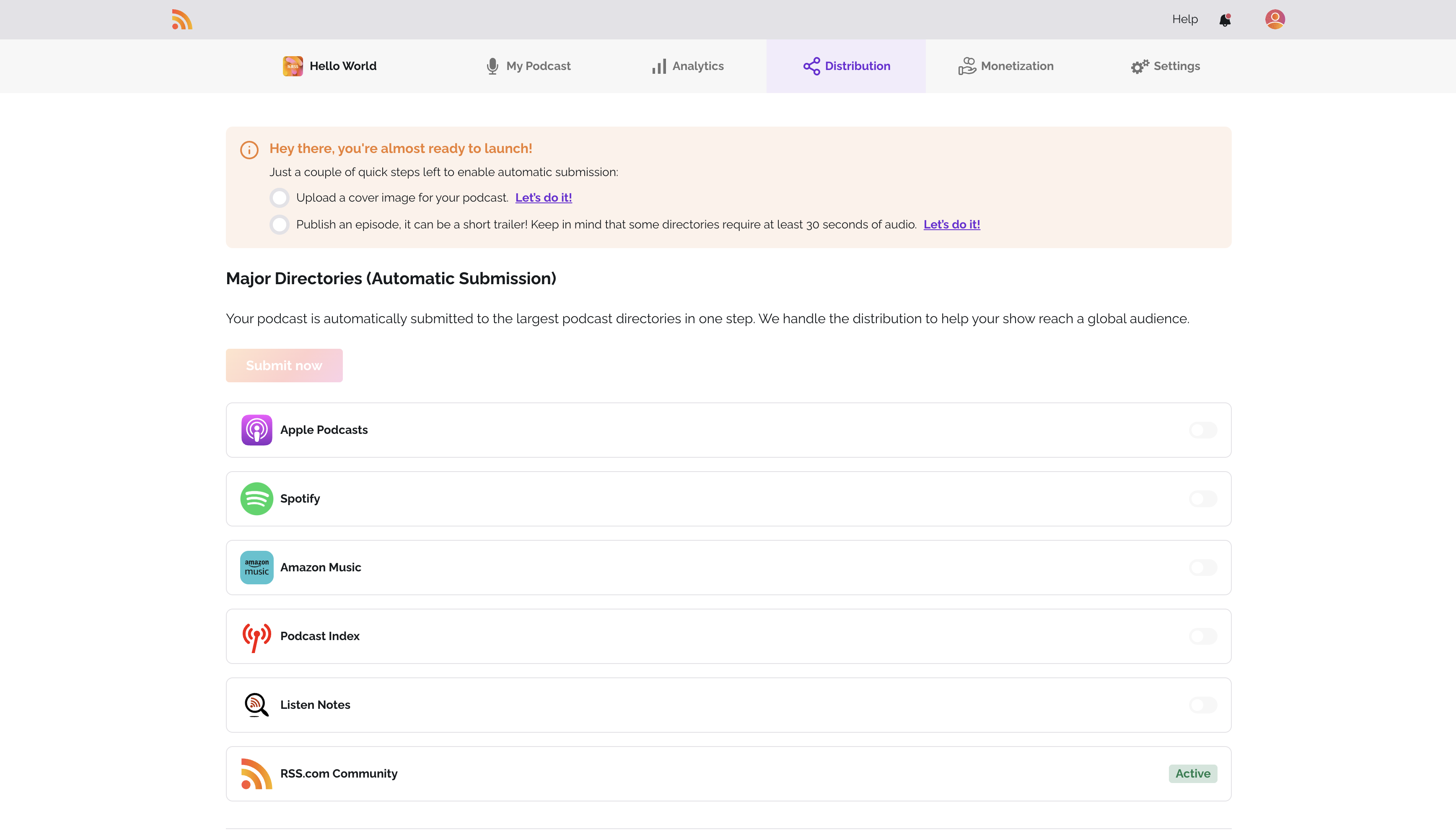
On RSS.com I count 5 of the 11 marketing & growth features I track.
Marketing and growth is where RSS.com actually earns its place for me.
The clip generator is one of the tools I reach for most: it turns episodes into audiogram-style clips, waveform, captions, my branding, and short-form clips like these are about the most effective way I've found to promote a show on Instagram, TikTok, X, and LinkedIn.
The embeddable player is fully customizable, I can match it to my brand colors and drop it on any site or blog so visitors listen right there.
Episode chapters and markers let listeners jump around within an episode, which I always appreciate as a listener myself.
Automatic transcription turns my audio into text, better accessibility, something for search engines to index, and a head start on show notes.
There's a layer of AI-powered features too, which I use to create content faster and tune it for discovery.
What analytics does RSS.com provide?
On RSS.com I count 9 of the 15 analytics features I track, most of the list.
RSS.com's analytics are IAB-compliant, so the download and listener numbers meet the industry standard. That matters to me the moment I start chasing sponsorships, advertisers trust IAB-compliant figures.
Download tracking is the baseline I always start with, how many times each episode was pulled, and how that trends over time.
Episode comparison lets me line shows up side by side to see which topics, formats, or release times pull the most.
I can see which apps my listeners use, Apple Podcasts, Spotify, Overcast, and so on, from the audience-by-platform breakdown.
Device analytics tell me whether people listen on mobile, desktop, smart speakers, or watches, which quietly shapes how I think about length and format.
Country-level data shows me my global reach and helps me tailor content or promotion to specific regions.
It goes down to city and region level too, so I know exactly where my most engaged listeners are.
Peak listening-time analysis shows me when my audience is most active, so I can time releases for the biggest opening day.
Real-time stats give me live numbers, so I can watch the immediate bump from a new episode or a promotion.
Can you make money with RSS.com?
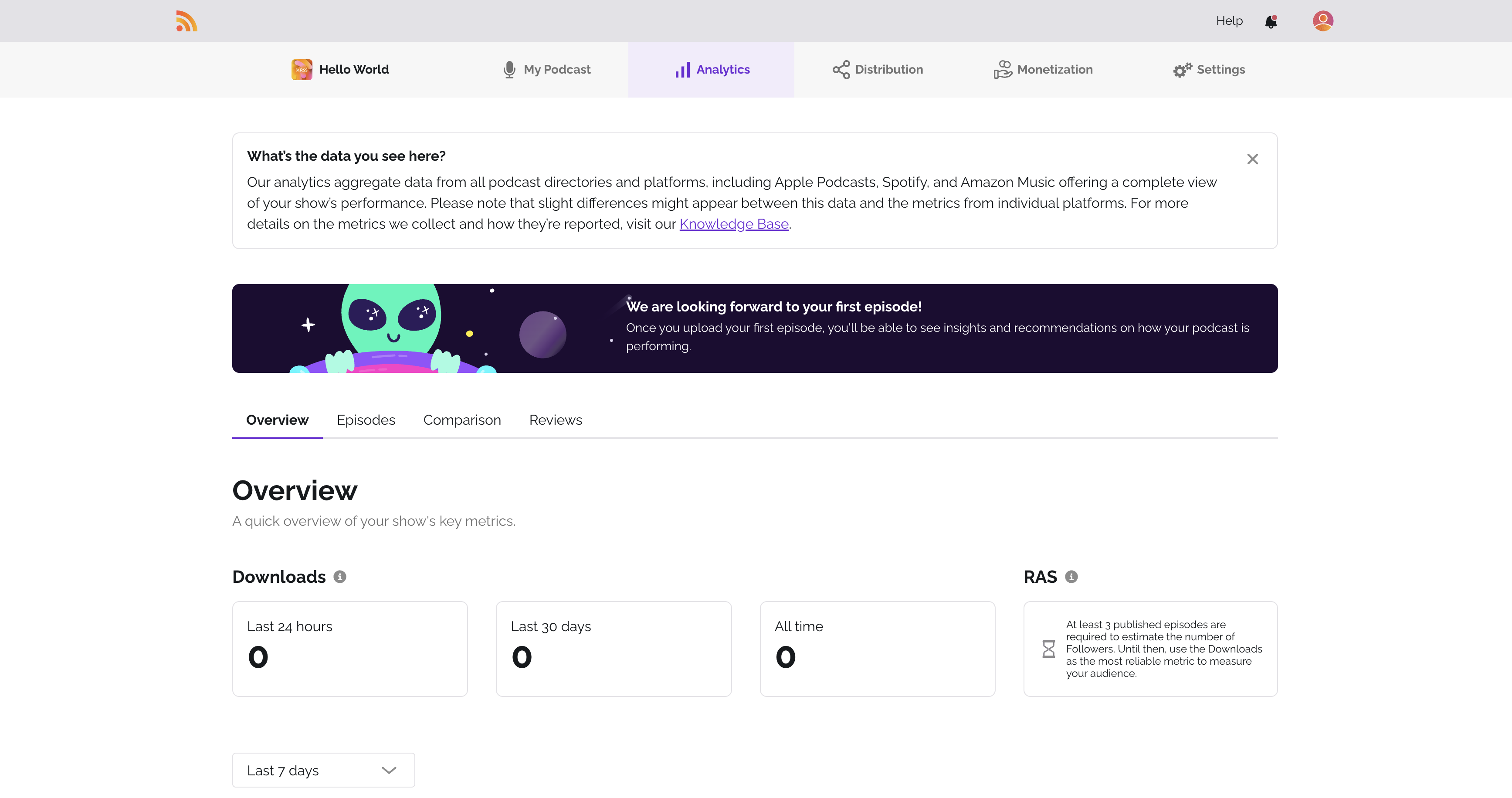
On RSS.com I count 3 of the 6 monetization features I track, most of the list.
RSS.com gives me a few real ways to make money from a show.
Dynamic ad insertion (DAI) lets me drop pre-roll, mid-roll, and post-roll ads in programmatically. Unlike baked-in spots, I can swap or pull these anytime, so even my back catalog keeps earning, and I can target specific episodes or the whole library.
A built-in sponsorship marketplace puts me in front of advertisers directly. Instead of cold-pitching brands myself, I can browse opportunities, set my rates, and run campaigns from the dashboard.
Paid subscriptions and premium content let me offer exclusive episodes, early access, or bonus content to paying listeners. That gives me recurring revenue that doesn't live and die by download numbers or ad rates.
Crowdfunding hooks into the likes of Patreon, so my most dedicated listeners can chip in through recurring donations or one-off tips.
Does RSS.com offer podcast SEO (PSO) tools?
I couldn't tick any of the 4 podcast seo (pso) features I track on RSS.com.
RSS.com doesn't include podcast search optimization (PSO) tools. To climb in podcast-app search, I'd be doing my keyword research by hand or leaning on outside tools for my titles, descriptions, and tags.
What AI features does RSS.com have?
On RSS.com I count 1 of the 5 ai features features I track.
AI has become part of how I work, and RSS.com folds in tools to speed up content creation.
AI-generated titles and descriptions read my episode and draft SEO-friendly copy, which saves me time and tends to sharpen my keywords.
Is RSS.com ready for teams and enterprises?
On RSS.com I count 1 of the 6 enterprise & security features I track.
RSS.com is really built for individual creators and small teams. I won't find enterprise pieces like SSO, API access, white-labeling, or security certifications here.
Which features does RSS.com support?
Hosting
7/9Distribution
6/9Marketing & Growth
5/11Analytics
9/15Monetization
3/6Support & Community
2/6Podcast SEO (PSO)
0/4AI Features
1/5Enterprise & Security
1/6Recording & Production
0/4Who is RSS.com best for?
Beginners who want a simple, affordable host with YouTube distribution and a few AI helpers.
What are the best RSS.com alternatives?
RSS.com vs Transistor
Transistor scores 35/75 features, 1 fewer than RSS.com. A podcast hosting platform focused on brands and businesses, offering multi-show hosting and private podcasting. Transistor starts at $19/month, while RSS.com also has a free plan.
RSS.com vs Spotify for Creators
Spotify for Creators scores 35/75 features, 1 fewer than RSS.com. Spotify's free podcast hosting platform (formerly Anchor), offering free unlimited hosting, video podcasts, distribution, and monetization through the Spotify Partner Program. Spotify for Creators offers a free plan, while RSS.com also has a free plan.
RSS.com vs RedCircle
RedCircle scores 34/75 features, 2 fewer than RSS.com. A free podcast hosting platform with built-in monetization tools including cross-promotion and ad marketplace. RedCircle offers a free plan, while RSS.com also has a free plan.
Is RSS.com worth it?
By my count, RSS.com covers 36 of 75 features, which puts it #12 of 15 hosts I compared.
Beginners who want a simple, affordable host with YouTube distribution and a few AI helpers.
That puts it mid-pack, and honestly that's the right amount for a lot of podcasters. RSS.com handles the essentials and a few advanced extras without charging you for features you'll never touch.
Check my full rankings to see how RSS.com stacks up against all 15 hosts I compared.
David is an acquisition expert at Ausha, where he focuses on building growth strategies across both inbound and outbound channels. His career path took him to Australia before joining Ausha in 2023. He launched Allez!, the first French-language podcast entirely dedicated to climbing, which has reached over 120,000 downloads and more than 1 million views on social media, demonstrating his ability to build and grow a media project from a niche audience.
FAQs about RSS.com
What is RSS.com?
A straightforward podcast hosting platform focused on simplicity and ease of use for beginners. It launched in 2017 and covers 36 of 75 features in my comparison, ranking #12 of 15.
How much does RSS.com cost?
RSS.com has a free plan, and the paid plans add more as you move up.
What are RSS.com's main strengths?
The strengths I'd call out: Free plan available; Automatic YouTube distribution; AI titles, descriptions, and transcription.
What are RSS.com's main limitations?
The limitations I'd flag: Analytics basic and not IAB certified; No custom domain; No newsletter, social manager, or podcast SEO.
Is RSS.com good for beginners?
Yes, in my view, one-click distribution and scheduled publishing make RSS.com approachable for first-timers.
See our complete platform ranking to compare all 15 options.